

From Breadboard to Market: IoT PCB Design for Arduino Projects
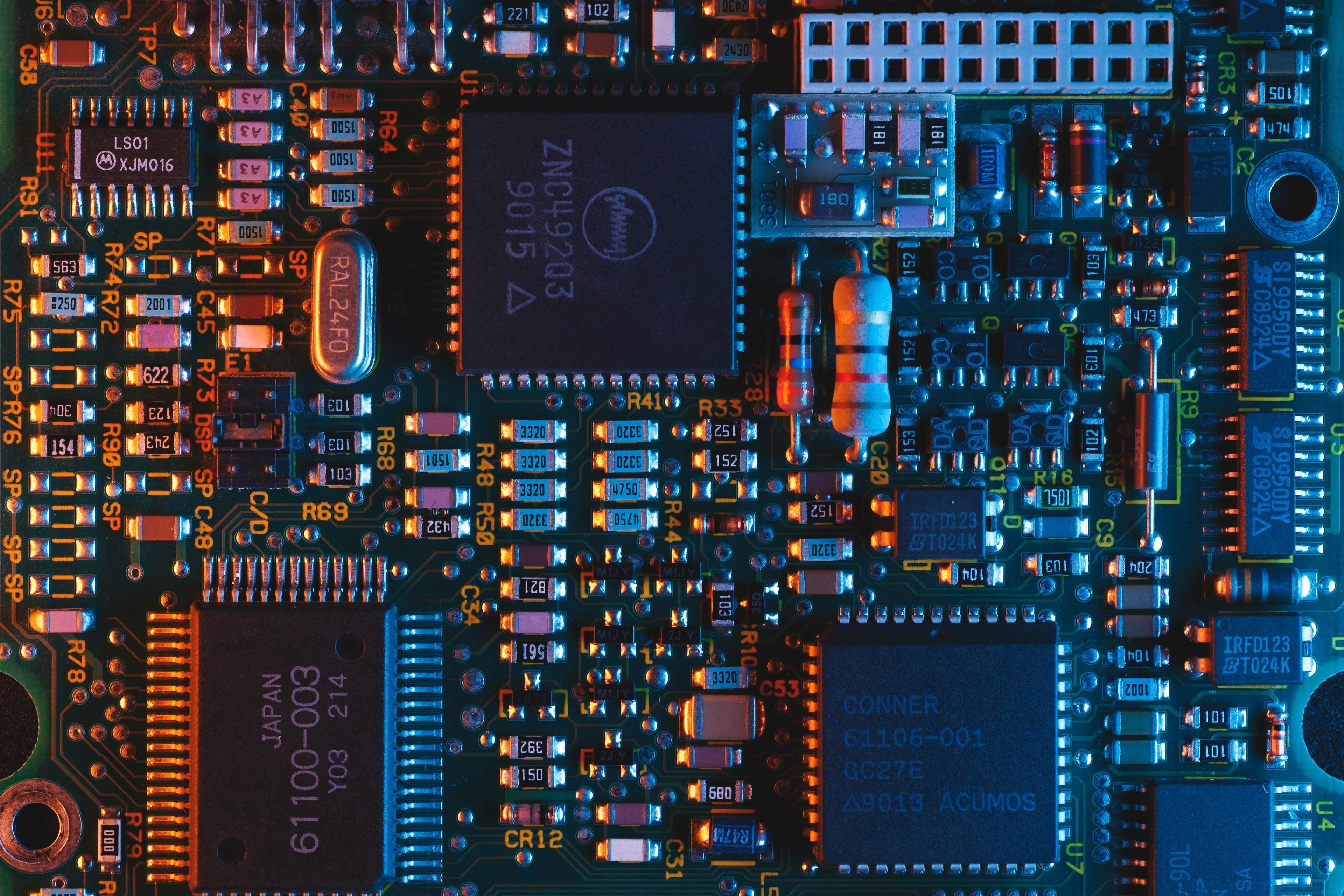
Your breadboard prototype works—now what?
You've built a working Arduino prototype on a breadboard. The sensors read data, the code runs, everything does what it should. But breadboards aren't production hardware. They're unreliable over time, too large for most products, and impossible to manufacture at scale.
Moving from breadboard to production means designing a custom printed circuit board (PCB). For IoT projects, this involves special considerations: antenna design for Wi‑Fi or Bluetooth, power management for battery devices, RF layout to avoid interference, and environmental protection.
This guide walks through the IoT PCB design process for Arduino projects. We'll cover what's different about IoT PCB design, the step-by-step migration from Arduino to custom PCB, cost realities, and when to get professional help.
IoT development services
Moving from breadboard to a connected product? Our Poland-based team delivers IoT PCB design, embedded firmware for ESP32 and Nordic nRF, BLE connectivity, and cloud dashboards—from prototype to production.
Explore IoT development servicesWhat is IoT PCB design and why it matters
Breadboard vs. production PCB: Breadboards are great for prototyping, but they have limitations. Connections are unreliable over time—even hobbyists move to soldered protoboard once the design is stable because breadboard connections can fail. Breadboards are large and bulky. They're not manufacturable—you can't produce thousands of units with breadboards.
Production PCBs are reliable, compact, and cost-effective at scale. A custom PCB integrates everything onto one board: the microcontroller, sensors, power management, and communication modules. You can make it any size or shape to fit your enclosure. At volume, custom PCBs cost a fraction of using Arduino boards.
IoT-specific design considerations: IoT PCB design has unique challenges compared to general electronics:
- Antenna design: Wi‑Fi and Bluetooth need proper antenna placement and RF layout. Get this wrong, and your device won't connect reliably.
- RF interference: High-frequency signals can interfere with each other or with analog sensors. Proper layout and grounding are critical.
- Power management: Battery-powered IoT devices need efficient power regulation and sleep modes. Every microamp matters for battery life.
- Sensor integration: Analog sensors need proper signal conditioning and noise reduction. Digital sensors need appropriate pull-ups and level shifting.
- Environmental protection: IoT devices often live in harsh environments. Conformal coating, proper enclosures, and temperature protection matter.
When you need IoT PCB design: You need custom IoT PCB design when moving beyond the prototype stage. If you're making more than a few units, cost optimization at scale makes custom PCBs worthwhile. If you need a specific form factor or size, a custom PCB is the only way. If you need regulatory compliance (FCC, CE), a well-designed PCB is essential.
Step-by-step: from Arduino to custom IoT PCB
Schematic design: The first step is creating a schematic that incorporates your Arduino circuit. You're translating what you built on a breadboard into a formal circuit diagram.
Start by selecting your microcontroller. If you used an Arduino Uno, you might stick with the ATmega328P, or you might upgrade to something with more memory or connectivity. For IoT projects, ESP32 is popular because it has Wi‑Fi and Bluetooth built-in. STM32 offers more processing power and better real-time performance.
Add required support components: crystal oscillator, decoupling capacitors, pull-up resistors, voltage regulators. Design your power supply—for battery devices, this might include a battery management IC, charging circuit, and efficient regulators. For IoT devices, you'll need to add your communication module (if not using ESP32) and antenna matching circuit.
PCB layout considerations: Once you have a schematic, you lay out the physical PCB. For IoT devices, component placement matters more than you might think.
Place the antenna away from noisy components and keep the RF section isolated. The ground plane is critical for RF performance—you need a solid ground plane under the antenna area. Keep high-speed digital signals away from analog sections. Place power regulators near where they're needed, but consider thermal management—linear regulators get hot.
Signal integrity matters. Keep traces short for high-speed signals. Use proper trace widths for power and ground. Route sensitive analog signals away from digital noise. For battery-powered devices, minimize power traces resistance to reduce voltage drop.
Design for manufacturing (DFM): Your PCB needs to be manufacturable. Use standard component footprints—don't design custom footprints unless necessary. Ensure adequate trace widths and spacing for your manufacturer's capabilities. Most manufacturers can do 6 mil traces and spacing, but going smaller costs more.
Include solder mask and silkscreen. Solder mask protects traces and prevents bridging. Silkscreen helps with assembly and debugging. Consider assembly method—will you hand-assemble prototypes or use pick-and-place machines? Design for the assembly method you'll use.
Prototyping and testing: Order prototype PCBs from a service like JLCPCB or PCBWay. For small quantities (5–10 boards), expect to pay $20–50 total, depending on size and complexity. These services are fast—you can have boards in a week.
Test thoroughly. Check that all connections work, power consumption is as expected, RF performance is good, and sensors read correctly. You'll likely find issues—that's normal. Iterate and refine. Most projects need 2–3 PCB revisions before production.
IoT PCB design: special considerations
Antenna design and RF layout: This is where many IoT projects fail. Wi‑Fi and Bluetooth antennas need proper design and placement.
You can use a PCB antenna (etched into the board) or an external antenna. PCB antennas are cheaper and smaller but have lower performance. External antennas perform better but add cost and size. For most IoT devices, a well-designed PCB antenna is sufficient.
Impedance matching is critical. The antenna and feed line need to be 50 ohms. Mismatched impedance reduces range and can cause connection issues. The ground plane under the antenna affects performance—follow the antenna manufacturer's guidelines for keep-out areas.
RF interference can kill your device. Keep digital signals away from the antenna. Use proper filtering on power supplies. Shield sensitive sections if needed. Test RF performance early—it's hard to fix later.
Power management: Battery-powered IoT devices live and die by power consumption. Every component draws power, and it all adds up.
Choose efficient regulators. Linear regulators are simple but waste power as heat. Switching regulators are more efficient but more complex. For battery devices, use switching regulators for the main supply and linear regulators only where you need low noise.
Implement proper sleep modes. Most of the time, your device should be sleeping, waking only to read sensors or transmit data. The ESP32 can sleep at under 0.1 mA in deep sleep. The STM32L series can go below 1 µA. Compare that to an Arduino Uno drawing 50 mA continuously—that's why custom PCBs can achieve months of battery life.
Power consumption optimization requires careful design. Remove unnecessary components. Use low-power components. Minimize leakage currents. Test power consumption at each stage of development.
Sensor integration: Sensors are often the heart of IoT devices, and they need proper integration.
Analog sensors need signal conditioning. You might need amplification, filtering, or level shifting. Consider the ADC resolution and reference voltage. Noise reduction is critical—use proper grounding, filtering, and shielding.
Digital sensors need appropriate interfaces. I2C needs pull-up resistors. SPI needs proper clock routing. UART needs level shifting if mixing 3.3 V and 5 V logic.
Environmental protection: IoT devices often live in harsh environments. Temperature extremes, humidity, vibration, and dust can kill electronics.
Conformal coating protects PCBs from moisture and contaminants. It's a thin polymer layer applied to the board. For extreme environments, you might need potting (encapsulating the entire board).
Enclosure design matters. It needs to protect the electronics while allowing sensors to function. Antennas need to be accessible—metal enclosures block RF. Consider thermal management—components generate heat, and sealed enclosures can overheat.
IoT PCB design costs and manufacturing options
Design costs: You can design PCBs yourself using free tools like KiCad or EasyEDA, or you can hire a professional. DIY saves money but takes time to learn. Professional design services cost $2,000–$10,000 for a typical IoT PCB, depending on complexity.
Software tools range from free (KiCad, EasyEDA) to expensive (Altium Designer at $3,000+ per year). For most projects, KiCad is sufficient and free. Learning curve is steep—expect 40–80 hours to become proficient.
Manufacturing costs: PCB fabrication costs depend on quantity, size, and complexity. For small quantities (10–50 boards), expect $2–5 per board. At 100 boards, it drops to $1–3 per board. At 1,000 boards, you might pay $0.50–$1 per board.
Assembly costs vary. Hand assembly works for small quantities (under 50 boards) but is slow and error-prone. Pick-and-place machines are cost-effective for larger quantities but require setup costs ($500–$2,000). For 100+ boards, automated assembly usually makes sense.
Cost comparison: An Arduino Uno costs around $20 retail. The ATmega328P at its heart costs about $1 in bulk. A custom PCB with the same functionality might cost $3–5 per board at 100 units, including the microcontroller and all components. At 1,000 units, custom PCBs cost $2–4 per board versus $20 for Arduino boards. The break-even point is usually around 50–100 units.
Manufacturing options: For prototypes, services like JLCPCB and PCBWay are fast and cheap. They can also do assembly if you provide components. For volume production, you'll work with a manufacturer directly. Many offer turnkey services (design, fabrication, assembly, testing).
When to hire professional IoT PCB design services
Signs you need professional help:
- Complex RF requirements: If you need reliable Wi‑Fi or Bluetooth with good range, professional RF design expertise is worth it. Antenna design and RF layout are specialized skills.
- Regulatory compliance: FCC and CE certification require proper design from the start. You can't add compliance later—it needs to be designed in. If you're selling products, you need certifications.
- High-volume production: At scale, design mistakes cost money. Professional design reduces risk and optimizes for manufacturing.
- Limited hardware design experience: If you're a software developer moving into hardware, professional help can save time and avoid costly mistakes.
What professional IoT PCB design services offer:
- Complete hardware design: Schematic, PCB layout, component selection, and BOM (bill of materials).
- RF expertise: Antenna design, impedance matching, RF layout, and interference mitigation.
- Compliance support: Design for FCC/CE, testing coordination, and documentation.
- Manufacturing coordination: Working with manufacturers, assembly planning, and quality control.
Finding the right hardware development company: Look for companies with IoT PCB design experience. Check their portfolio—do they have similar projects? Ensure they have RF and antenna expertise if you need wireless. Ask about their process—how do they handle design reviews, testing, and iterations?
A good hardware development company will ask questions about your requirements, constraints, and goals before proposing solutions. They should understand both the technical and business aspects of your project.
PCB design software for Arduino projects
Free/open source tools: KiCad is free, powerful, and widely used. It has schematic capture, PCB layout, and 3D visualization. EasyEDA is browser-based and includes component libraries and manufacturing integration. Both are sufficient for most projects.
Professional tools: Altium Designer is the industry standard but expensive ($3,000+ per year). Eagle (now part of Fusion 360) is popular and has a free version for small boards. OrCAD is another professional option. These tools have more features and better support, but the learning curve is steep.
Learning resources: There are many tutorials and courses online. YouTube has extensive KiCad tutorials. The KiCad community is helpful. For professional tools, vendors offer training. Expect to spend 40–80 hours learning before you're productive.
IoT PCB design: certification requirements
FCC certification: Required for devices with radio (Wi‑Fi, Bluetooth) sold in the US. You need to test for electromagnetic emissions and immunity. Even if you use a pre-certified module (like ESP32-WROOM), you still need to certify your final product. The module's certification doesn't cover your integration.
FCC certification costs $10,000–$30,000, depending on complexity. Testing takes 2–4 weeks. You need to design for compliance from the start—proper grounding, RF shielding, and PCB layout that minimizes emissions.
CE marking: Required for devices sold in Europe. Similar to FCC, you need EMC testing and safety standards compliance. Costs are similar to FCC.
Cost considerations: Certification is expensive, but it's required if you're selling products. Using pre-certified modules reduces risk but doesn't eliminate the need for final product certification. Budget for this early—it's not something you can add later.
Real example: Arduino prototype to production PCB
Here's a typical journey: A startup built an environmental sensor on Arduino Uno with a Wi‑Fi shield. It worked for demos, but they needed to produce 500 units.
They designed a custom PCB using ESP32 (which has Wi‑Fi built-in, eliminating the shield). The PCB integrated the microcontroller, sensors, power management, and antenna. Size went from Arduino Uno's 68×53 mm to a custom 40×30 mm board.
Challenges they faced: RF performance was poor initially—the antenna wasn't properly matched. They fixed it by following the ESP32 antenna design guidelines more carefully. Power consumption was too high—they optimized sleep modes and removed unnecessary components. Manufacturing had issues with component availability—they had to redesign with alternative parts.
Results: Unit cost dropped from $45 (Arduino + shield + sensors) to $18 (custom PCB with everything integrated). Battery life improved from 2 days to 6 months with proper power management. The device was smaller, more reliable, and ready for FCC certification.
Lessons learned: Start with RF design early—it's hard to fix later. Test power consumption at each stage. Work with manufacturers early to ensure component availability. Budget for multiple PCB revisions—you'll need them.
The bottom line
IoT PCB design is essential for production. Breadboards work for prototypes, but production needs custom PCBs. The process involves schematic design, PCB layout, manufacturing, and testing. For IoT devices, special considerations like antenna design, RF layout, and power management are critical.
Plan PCB design early in your process. Don't wait until you have a working prototype—think about production from the start. This saves time and money later. If you're unsure about any aspect, get professional help. RF design, certification, and manufacturing optimization are specialized skills worth paying for.
If you need help with IoT PCB design, a hardware app development company can handle the complete process from Arduino prototype to production PCB. They have the expertise to design for RF, optimize for manufacturing, and ensure regulatory compliance. The investment pays off in a more reliable, cost-effective product.
At Blues Brackets we solve real business challenges with the latest and proven technology.